
No products in the cart.
To activate the Google Play gift card, you need to have a Google account (it can be created here). After that, just follow these steps:
2. Log in to the Google Play store.
3. In your account you have to find the Redeem button. The redemption page can also be found by clicking on this link.
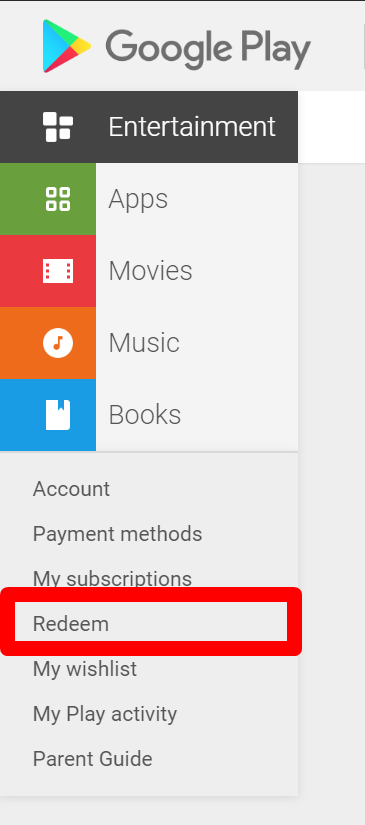
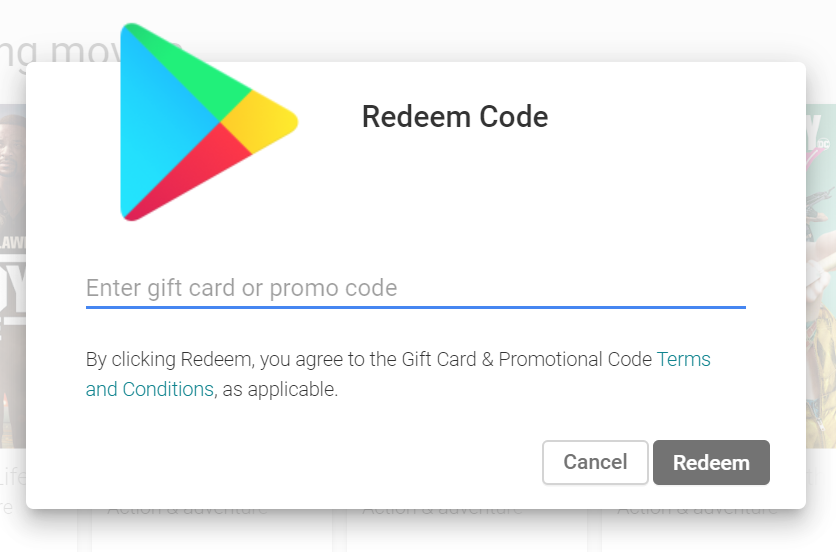
4. After you click on the Redeem button, a window will appear in which you will need to enter the gift card code.
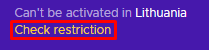
Remember that the Google Play gift card should match the region/country you are in. We recommend always checking the gift card restrictions on our product page.
 English
  Arabic