
No products in the cart.
You can activate the PlayStation Network key either through the website or through the console.
Website activation
1. Log in to your PlayStation account. You can do this by clicking the “Sign in” button in the upper-right corner.

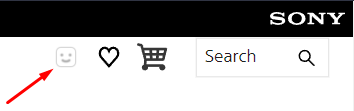
2. Tap on the happy little face to open the drop-down menu.
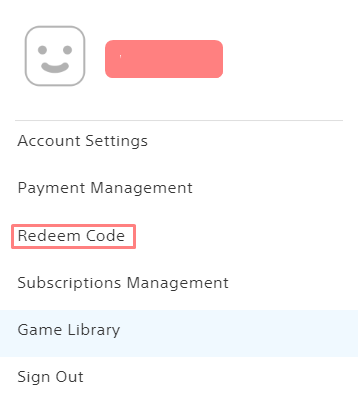
3. In the drop-down menu, you will see the “Activation Code” section.
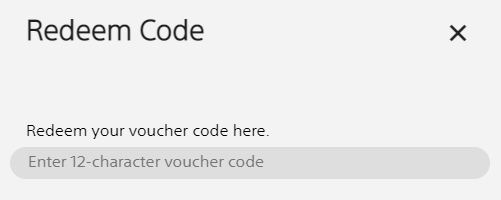
4. After completing all the previous steps, you should be on the key activation screen, where you can easily enter your key. Just check carefully if there are any errors!
5. You will be prompted to display the product confirmation screen, which will be activated.
Console activation (PlayStation 4)
1. Make sure that you are logged in to your PlayStation Network account.
2. Log in to the PlayStation Store.
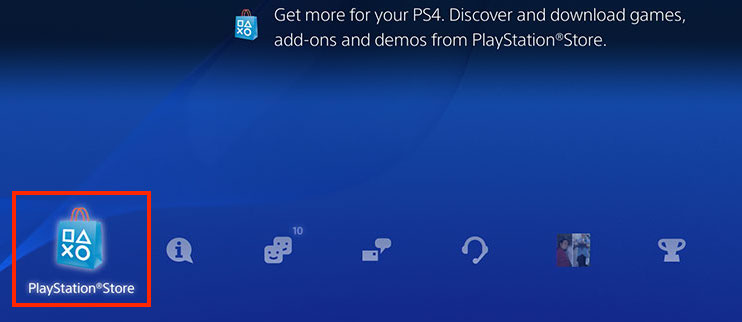
3. On the navigation bar, select “Redeem codes”.
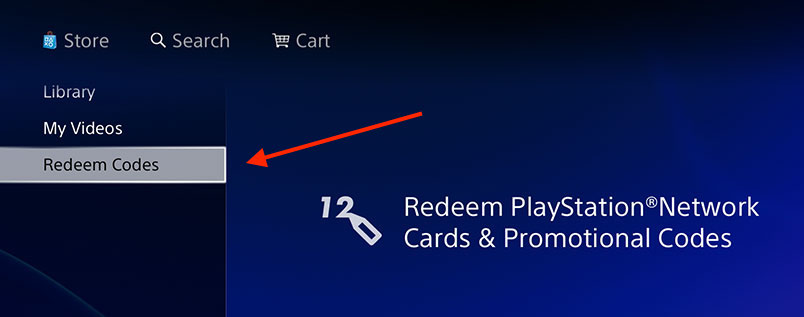
4. Enter your key in the appropriate field.

See which cards PSN (Playstation Network) Key Activation available for purchase now
 English
  Arabic