
No products in the cart.
To activate a gift card on Steam, follow these steps:
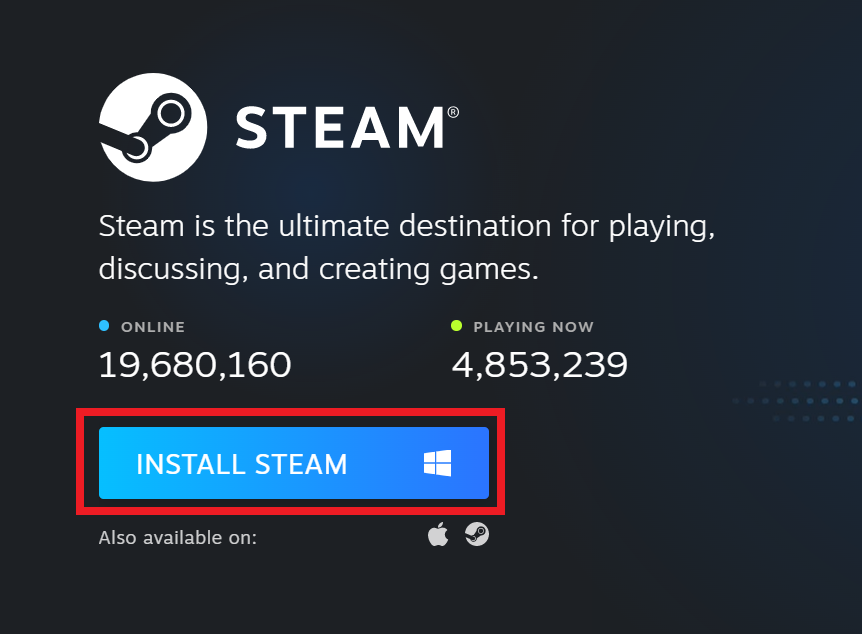
Install the Steam app. You can download it here.
2. After downloading and launching the application, log in using your Steam login details and select “View My Wallet” from the drop-down menu as shown in the image below.

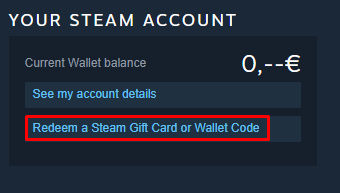
3. After you go to the Wallet page, select “Activate Steam Gift Card or Wallet code”.
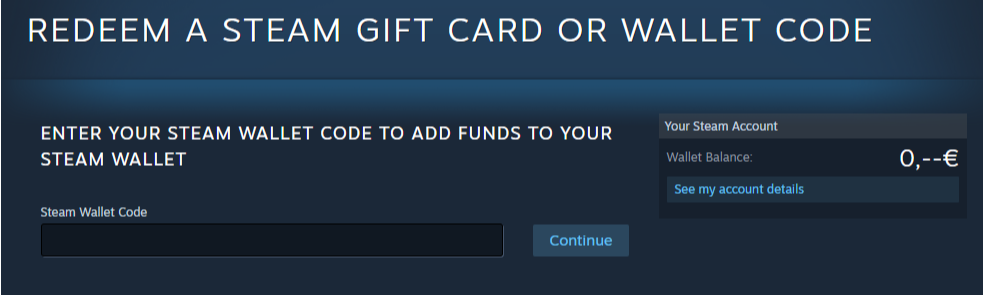
4. Copy the activation key and paste it into the “Steam Wallet Code” field, then click “Continue”.
See which cards Steam Gift Card available for purchase now
 English
  Arabic